Write a rule once, it runs all the time.
A trigger, conditions, actions. You try it on a fake player before turning it on.
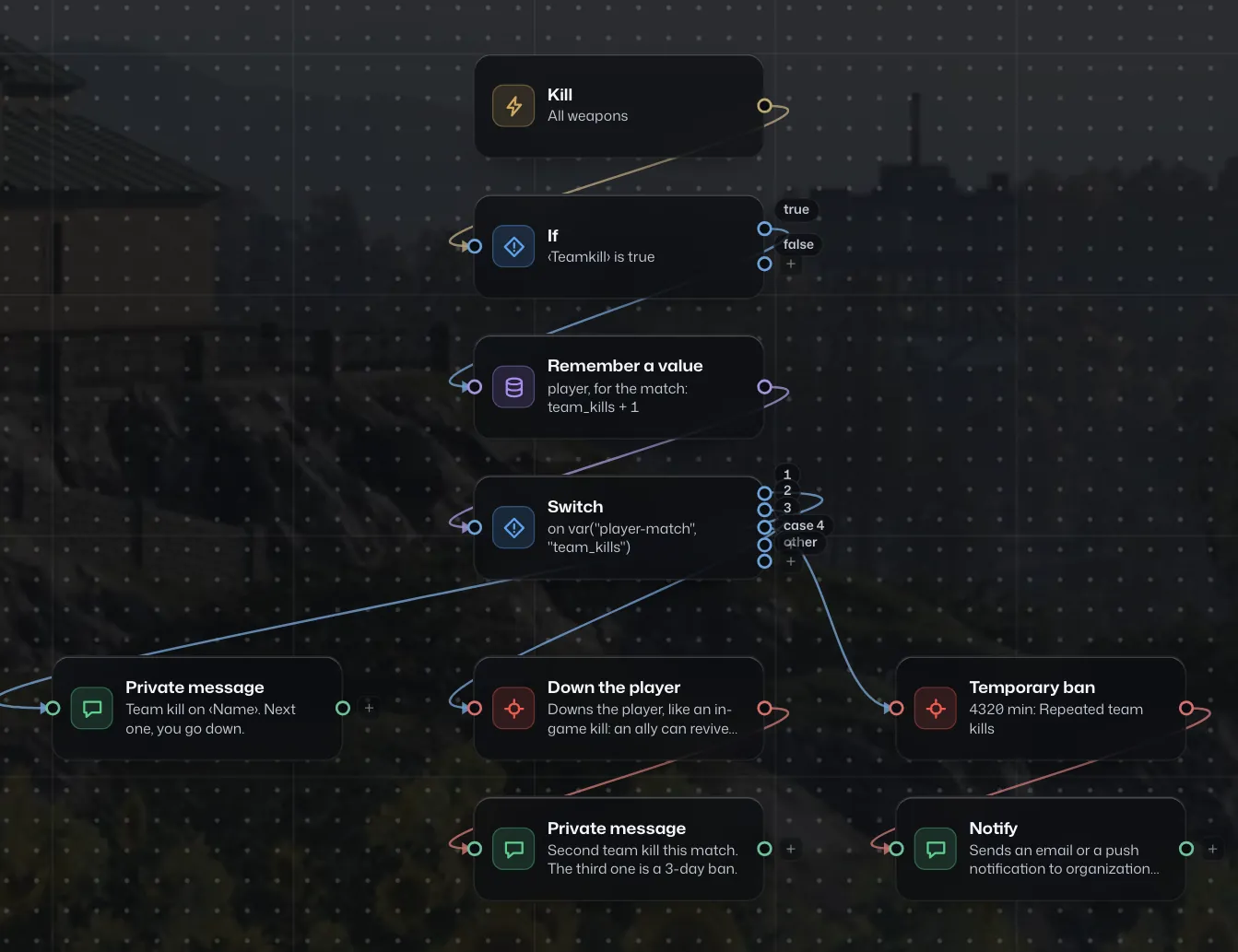
A visual editor
You connect blocks on a canvas, without writing code.
- A kill, a team kill, a ping, a time of day, a ticket: any of them can trigger a rule.
- The dry run shows the path a fake player takes, before you turn it on.
- The log keeps every run, with the values of each block.
Precise conditions
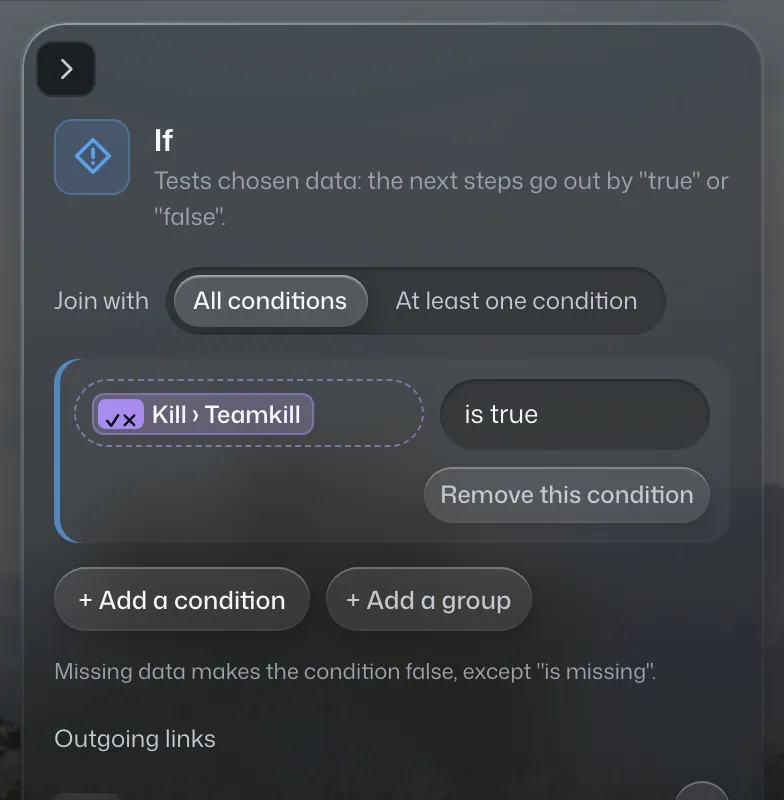
A condition reads the data of the player, of the match or of your memory.
- Play time, current team, cash, ping, team kill: you compare each of these values.
- Several conditions with "and" or "or", and regular expressions for names.
- A value kept during the match, or from one match to the next, per player or per server.
Packs ready to install
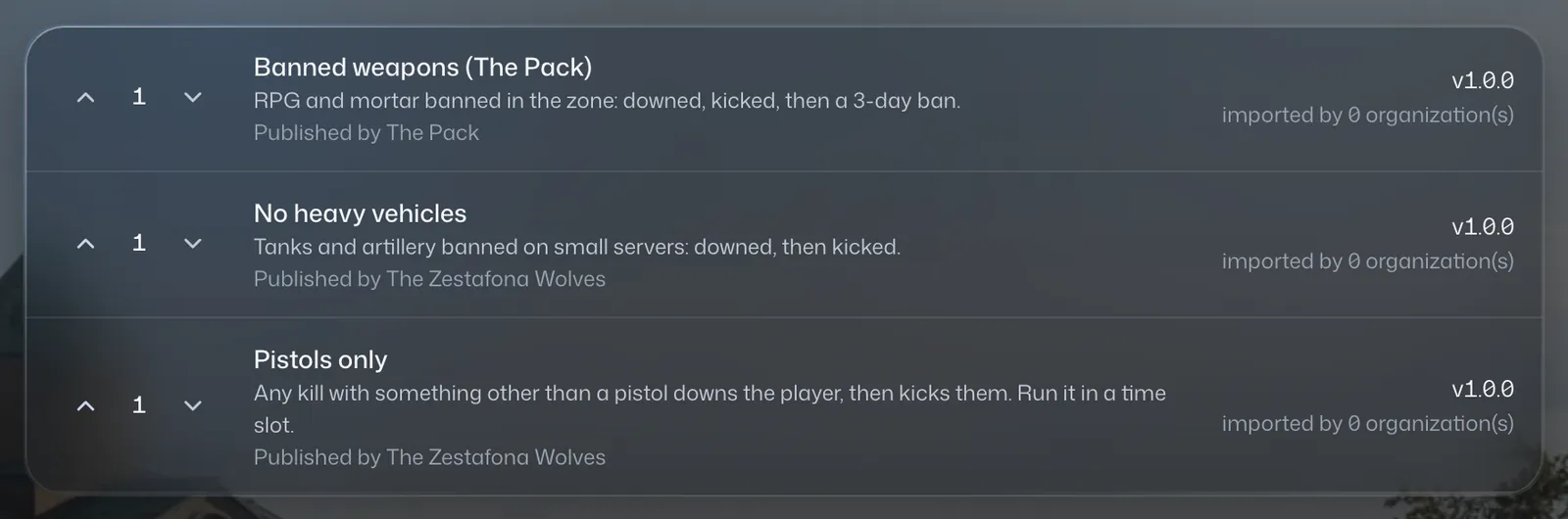
A pack groups automations and a settings form.
- "Random teams" draws the teams at random, at 95 points for example.
- "50 vs 50" keeps the extra players in a waiting team.
- Turn a pack on by hand or on a schedule, and import those of other communities.
Server settings, with guardrails
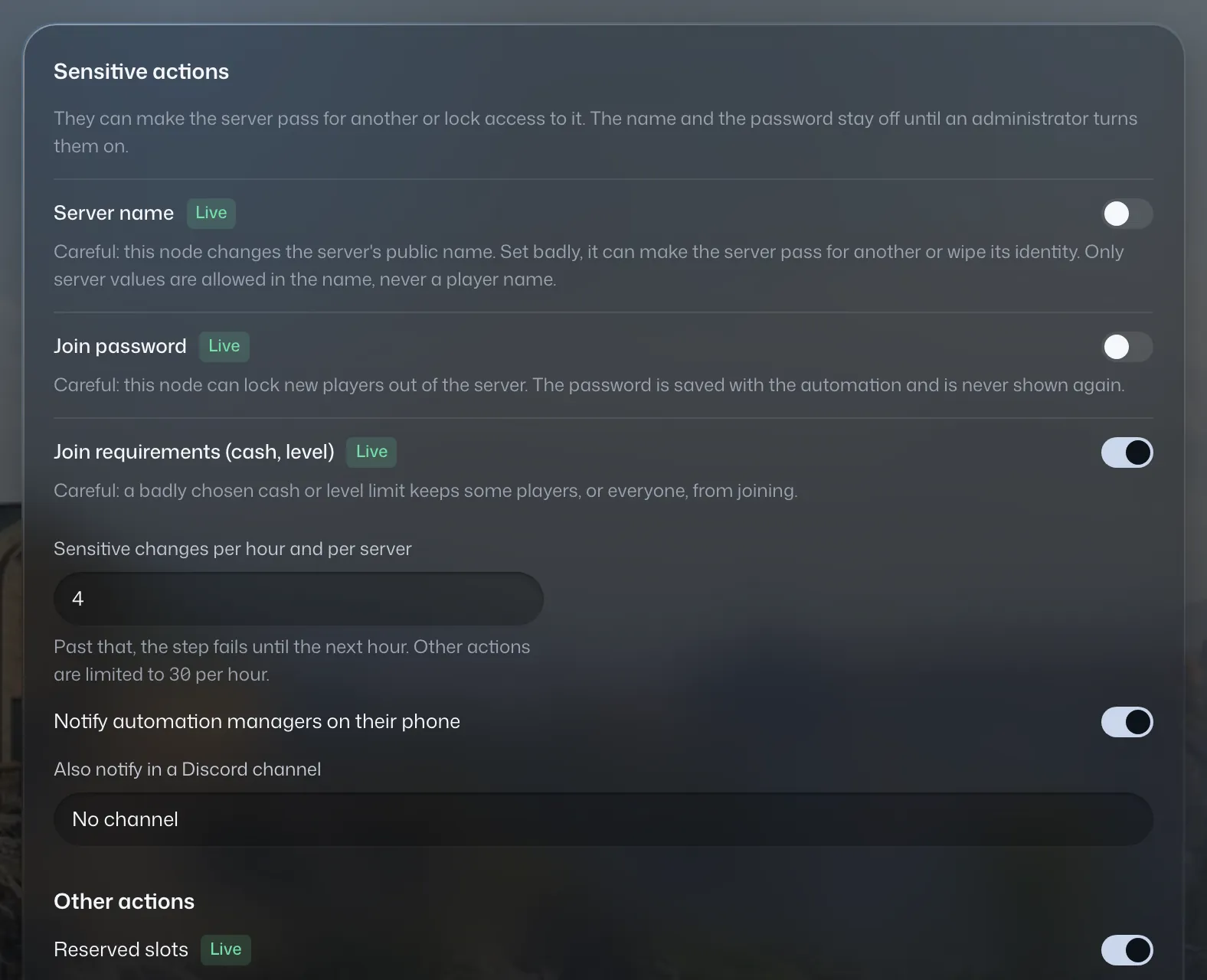
An automation can change the rotation, the reserved slots or the join conditions.
- The server name and password stay off until an administrator turns them on.
- An hourly limit per server stops loops.
- Every change is audited before and after, and the config can be restored.
The rest of Handler
- Live control and moderationFollow the match, act on a player and keep a record of your sanctions.
- Anticheat and a network of communitiesA case file per suspect, and reports from other communities.
- Player ticketsYour players report a problem from your public page, your team answers.
- Stats, weapons and seasonsWho plays, when, with which weapons, match after match.
- Public pages, votes and DiscordA page for your players, votes, a Discord bot, an API and webhooks.
- Mobile appAlerts and quick actions, on iPhone first.
Connect your first server.
The account is free.
Coming from another tool? We'll handle the move. Migrate to Handler